01
Edit in one tap
Switch on Edit Mode, select text on the page, and type exactly what you want to see.
 Web Modifier
Edit webpage text, save and reuse changes, and capture the result. You can also choose the location a website receives—all from your phone.
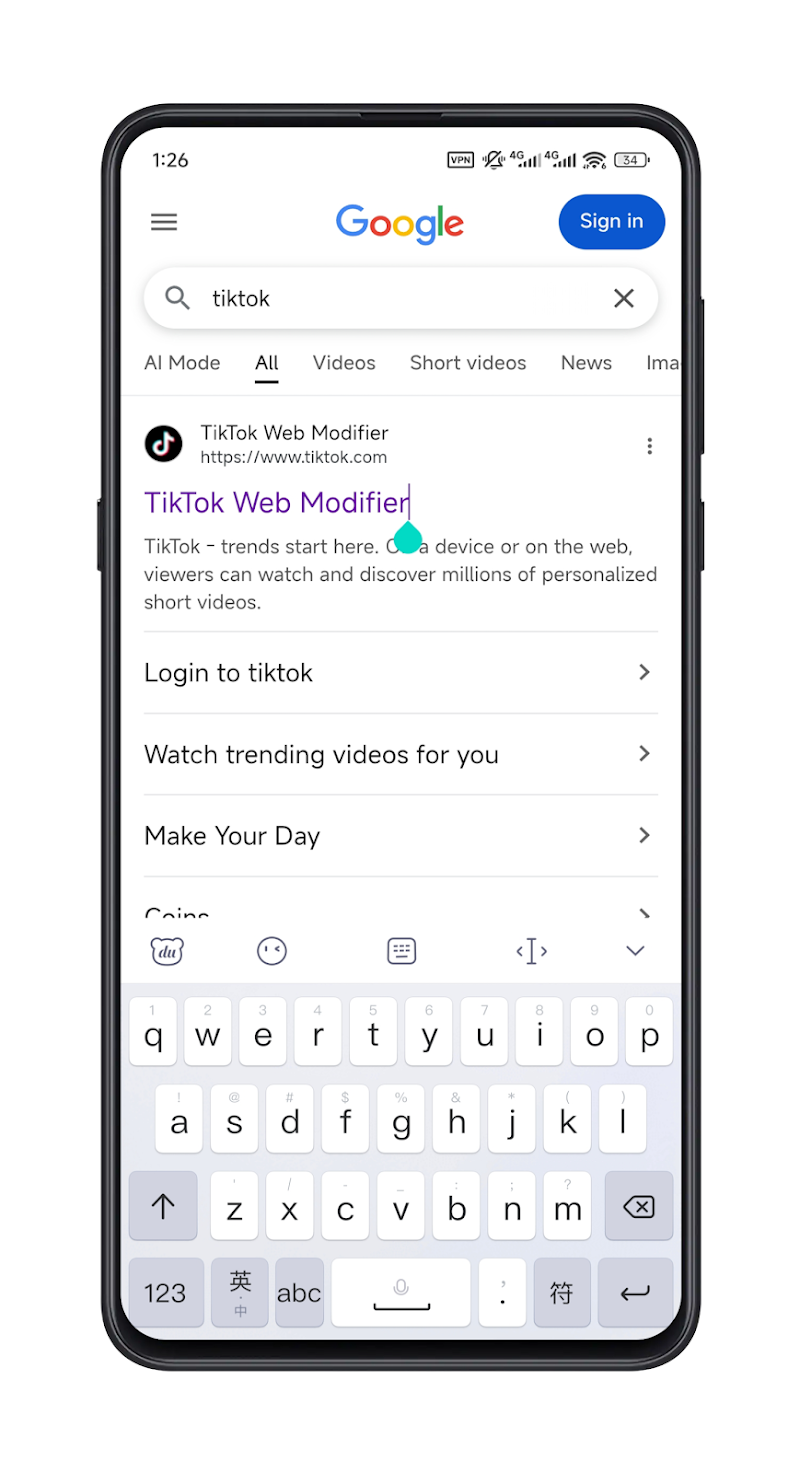
A focused set of tools that makes editing the mobile web simple and repeatable.
Switch on Edit Mode, select text on the page, and type exactly what you want to see.
Keep changes as individual records. They can be managed anytime and applied when you revisit the page.
Take a screenshot after editing to save your result or share it with others.
Choose what location the current website receives without changing your device’s system GPS.
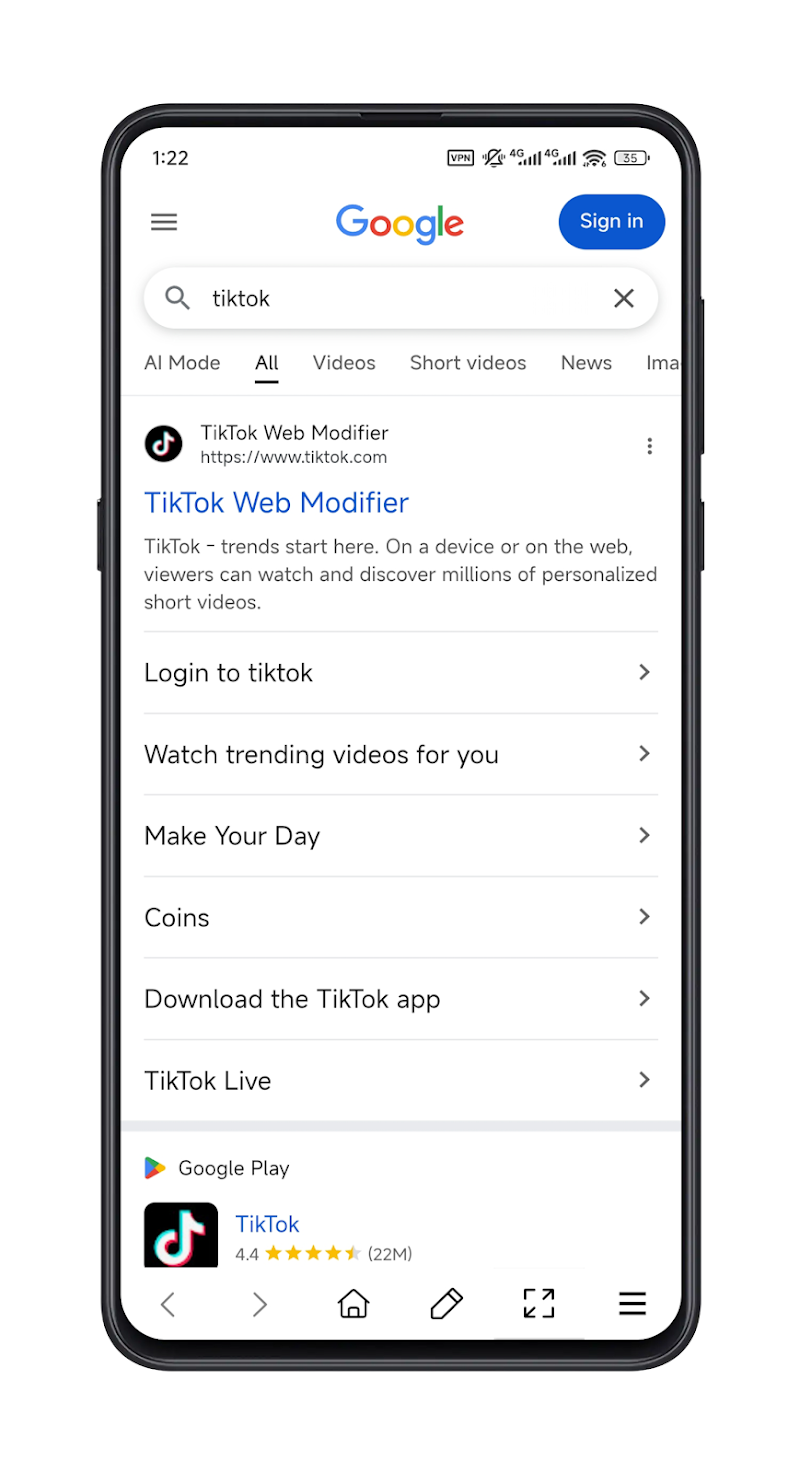
Enter a URL or search for the page you need.
Tap the pencil and choose the text you want to update.
Keep the change for your next visit or save a screenshot.
Pick any point on the map. Websites opened inside Web Modifier receive that selected location instead of your device’s current location.